



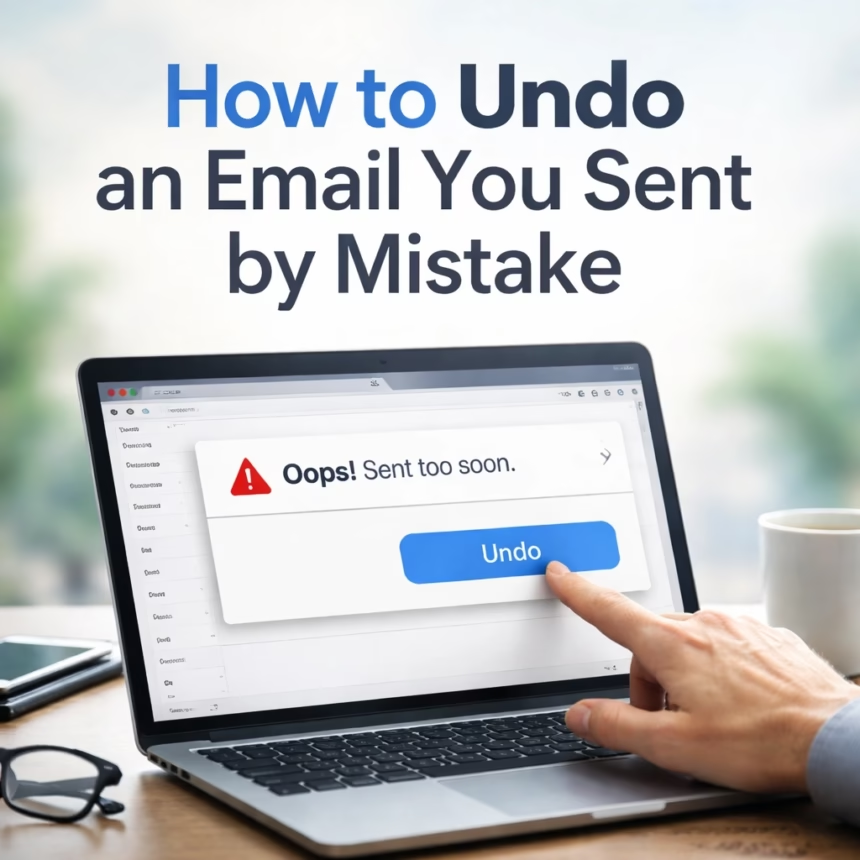
Sending an email can be a swift, decisive action, yet it often comes with the immediate potential for regret. Fortunately, major email service providers have introduced sophisticated mechanisms allowing users to recall or "undo" a recently dispatched message, offering a crucial second chance. This evolving capability, primarily found within platforms like Google's Gmail and Microsoft Outlook, provides a vital safety net for countless users worldwide, mitigating potential embarrassment or serious professional blunders.
Background: The Evolution of Email Recall
For decades, the fundamental nature of email, based on the Simple Mail Transfer Protocol (SMTP), meant that once a message left your outbox, it was irrevocably sent. Early email systems offered no mechanism for retrieval, leading to countless instances of accidental replies, forgotten attachments, or premature dispatches of sensitive information. The immediate delivery model, while efficient, left no room for human error.
The first attempts at email recall emerged primarily within enterprise environments, notably with Microsoft Exchange and its Outlook desktop client. Introduced in the late 1990s, Outlook's "Recall This Message" feature aimed to delete an unread message from the recipient's inbox or replace it with a new one. However, its success was notoriously conditional, often failing if the recipient had already opened the email, if they weren't on the same Exchange server, or if using a different email client. More often than not, a failed recall would send a notification to the recipient, drawing even more attention to the sender's mistake. This often led to more anxiety rather than relief.
A significant shift occurred with Google's Gmail. In 2009, Gmail introduced "Undo Send" as an experimental "Labs" feature. Unlike traditional recall, Gmail's innovation wasn't about retrieving a message already delivered, but rather *delaying* its actual dispatch. When a user clicked "Send," the message wouldn't immediately leave Google's servers; instead, a brief, configurable window of time would appear, allowing the sender to cancel the action. This feature proved so popular and effective that Google officially integrated it into Gmail as a standard setting in 2015, setting a new industry benchmark for user control over sent messages.
Key Developments: Modern Undo Send Mechanisms
The "undo send" functionality has become a cornerstone feature for leading email platforms, each implementing it with varying degrees of flexibility and reliability. Understanding these nuances is crucial for effectively leveraging this safety net.

Gmail’s Configurable Safety Net
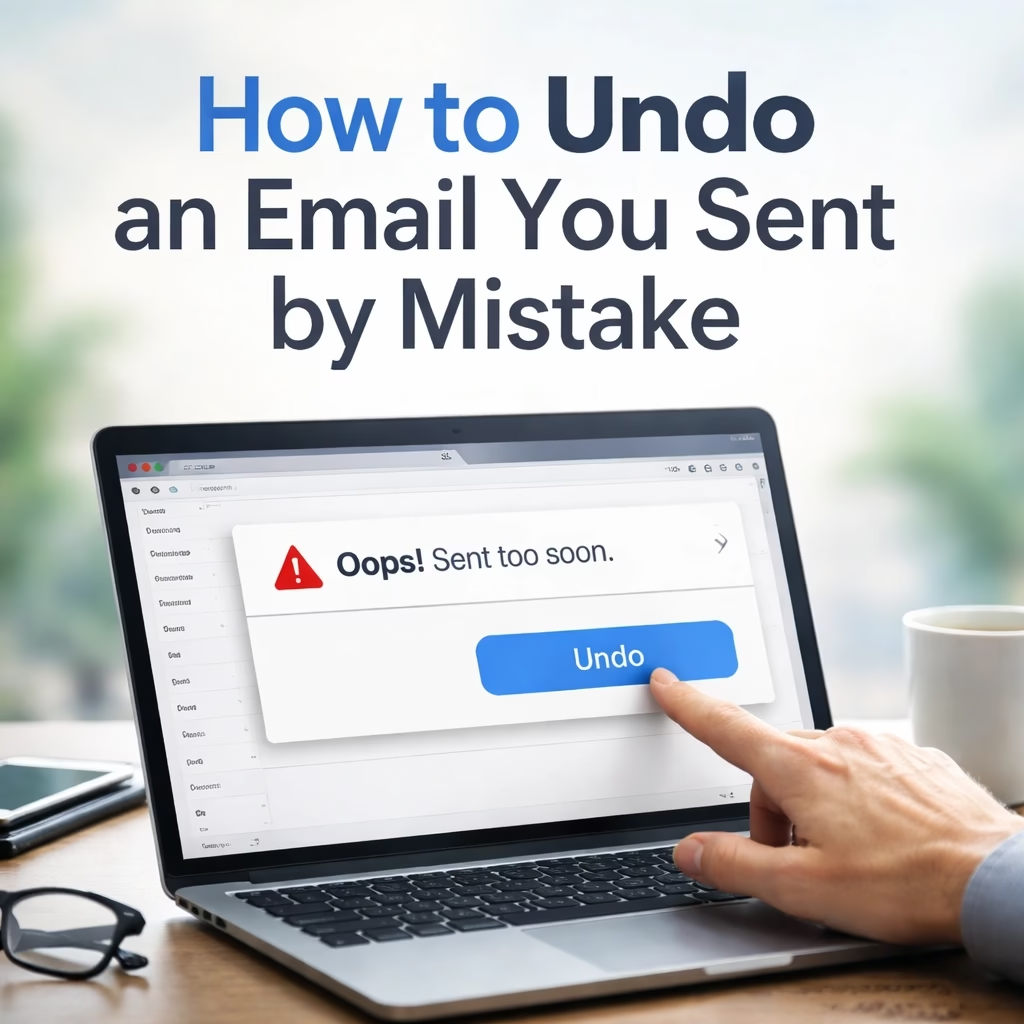
Gmail's "Undo Send" is perhaps the most widely recognized and utilized implementation. It operates on a simple, yet effective, principle: after you click the "Send" button, the email is not immediately transmitted. Instead, it enters a temporary holding state for a brief period, during which an "Undo" option appears at the bottom-left of the screen.
Users can configure this cancellation period to suit their needs. The default setting is often 5 seconds, but this can be extended to 10, 20, or even 30 seconds. To adjust this setting, users navigate to the gear icon in the top right corner of their Gmail interface, select "See all settings," and then locate the "Undo Send" section under the "General" tab. Here, a dropdown menu allows for the selection of the desired "Send cancellation period." This flexibility provides a crucial window for second thoughts, allowing for the correction of forgotten attachments, glaring typos, or misdirected recipients.
More Read

Microsoft Outlook: Two Paths to Recall
Microsoft Outlook, particularly for users within an organizational environment leveraging Microsoft Exchange or Microsoft 365, offers two distinct approaches to recalling emails.
For the Outlook desktop client connected to an Exchange server, the traditional "Recall This Message" feature persists. To attempt a recall, the sender must open the sent message from their "Sent Items" folder, go to the "File" tab, click "Info," then "Message Resend and Recall," and finally select "Recall This Message." Options typically include deleting the unread copy or deleting and replacing it with a new message. The success of this method is highly dependent on several factors: both sender and recipient must be within the same Exchange organization, the recipient must not have opened the original message, and their Outlook client must be running. If these conditions are not met, the recall often fails, and the recipient may even receive a notification of the failed attempt, potentially highlighting the error.
For Outlook on the web (Outlook.com or Microsoft 365 web client), the functionality mirrors Gmail's "Undo Send" more closely. After sending an email, a brief notification appears at the bottom of the screen, typically for about 10 seconds, offering an "Undo" option. This operates as a delay mechanism, preventing the email from leaving Microsoft's servers during that short window. Users can adjust this "Undo send" duration by going to "Settings" (gear icon) > "View all Outlook settings" > "Mail" > "Compose and reply," and then selecting the desired time under "Undo send." This web-based feature offers a more reliable "undo" experience compared to the desktop client's recall, as it doesn't depend on the recipient's actions or client status.
Other email services, such as Apple Mail or Yahoo Mail, generally do not offer a native "undo send" or reliable recall feature, underscoring the importance of the delay mechanisms implemented by Gmail and web-based Outlook.
Impact: Who is Affected and How
The ability to undo a sent email has had a profound and widespread impact, touching individuals, professionals, and organizations alike. It serves as a critical safeguard against a spectrum of potential issues, from minor embarrassments to significant corporate liabilities.
Safeguarding Professional Reputation
For professionals, the "undo send" feature is invaluable. An email sent with a crucial typo, an incorrect attachment, or to the wrong client can severely damage credibility and professional relationships. Imagine sending a proposal with an outdated figure, or a confidential internal memo to an external contact. The immediate option to retract such an email can prevent awkward apologies, frantic follow-up calls, and the erosion of trust. This feature empowers individuals to maintain a polished and accurate professional image, reducing the stress associated with high-stakes communication.

Mitigating Data Privacy Risks
In an era of stringent data privacy regulations like GDPR, CCPA, and HIPAA, accidentally sending sensitive or confidential information to the wrong recipient can have severe legal and financial repercussions for businesses. An accidental disclosure of personal health information (PHI), customer data, or proprietary company secrets could lead to massive fines, reputational damage, and loss of customer trust. The "undo send" mechanism provides a crucial, albeit time-limited, opportunity to prevent such data breaches before they fully materialize, serving as an initial line of defense in an organization's data security strategy.
Beyond professionals, individuals also benefit immensely. We've all experienced the panic of sending a personal email with an inappropriate comment, a private photograph, or a message intended for a different recipient. The "undo" button offers a moment of relief, allowing for the correction of these common human errors before they cause personal distress or relationship strain. It essentially provides a psychological safety net, reducing email-related anxiety.
What Next: The Future of Email Control
While current "undo send" features offer significant relief, the quest for greater control over digital communications continues. The future of email recall and management is likely to see further enhancements, though some fundamental limitations remain.
One area of potential development could involve longer, more flexible delay windows. While 30 seconds is currently the maximum for many services, users might desire even longer periods, perhaps configurable up to a minute or two, for particularly sensitive communications. However, extending this window too much could impact the real-time nature of email delivery, a balance service providers must carefully consider.
The "holy grail" of email recall – a universal, cross-platform recall standard – remains an elusive goal. The decentralized nature of the internet's email system (SMTP) makes it incredibly difficult to implement a feature that would reliably retrieve an email from a recipient's inbox if they use a different email provider (e.g., recalling a Gmail message from an Outlook.com inbox). While intriguing, this would require a fundamental overhaul of email protocols and widespread industry cooperation, making it unlikely in the near future.
More realistically, we can expect to see advancements in AI-assisted email drafting and error detection. Imagine an AI that, before you click send, flags a potential missing attachment based on your email's content ("I've attached the report…"), detects an unusually negative tone, or even suggests you might be sending to the wrong "John Smith" based on your recent communication patterns. Such proactive assistance could prevent the need for an "undo" in the first place.
Furthermore, email clients might offer enhanced visual cues and notifications for the "undo" option, making it more prominent and harder to miss during that critical few seconds post-send. Integration with other communication tools, providing a unified "undo" across various messaging platforms, could also emerge as a user-friendly enhancement.
Despite these advancements, the fundamental principles of careful composition and proofreading will always remain paramount. The "undo send" feature is a valuable safety net, but it should not replace the diligence required for effective and accurate communication. As email continues to be a primary mode of communication, the balance between speed, control, and reliability will drive its ongoing evolution.