



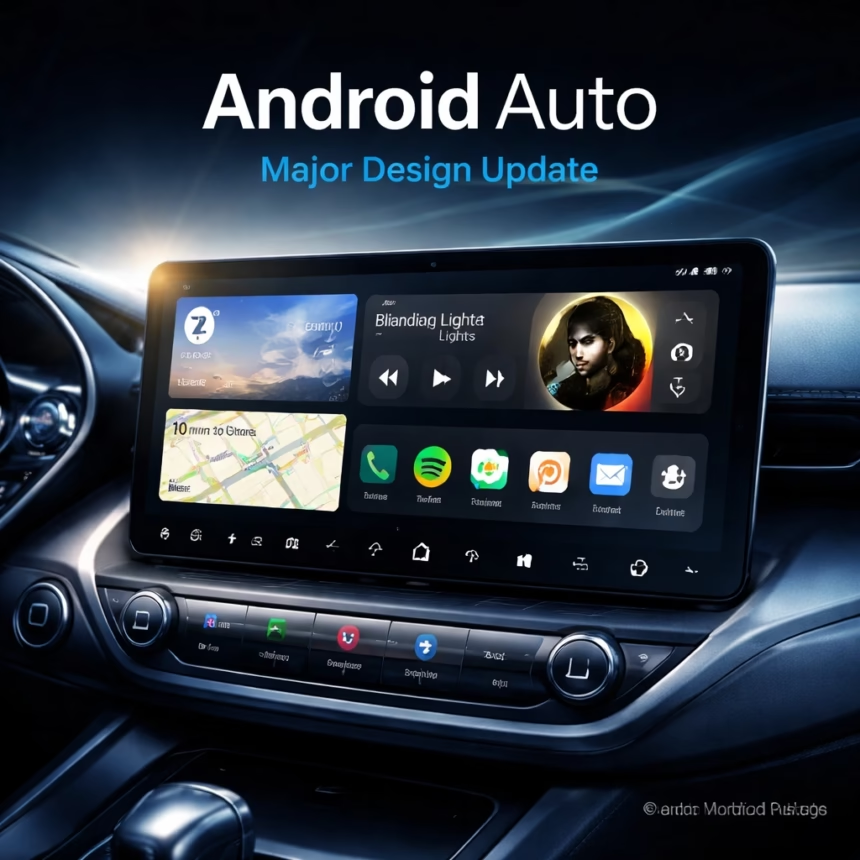
Google is rolling out a significant redesign for Android Auto, promising a more intuitive, customizable, and feature-rich in-car experience. This major update introduces dynamic widgets, enhanced music application interfaces, and a fresh visual overhaul designed to minimize distraction and maximize utility across compatible vehicles worldwide. Drivers can expect to see these changes appear gradually over the coming weeks and months, fundamentally transforming how they interact with their car's infotainment system.
Background
Android Auto first launched in March 2015, aiming to provide a safer and more seamless way to access essential smartphone functions directly from a car's built-in display. Initially, the platform focused on core functionalities: navigation via Google Maps or Waze, communication through calls and messages, and media playback. Over the years, it has seen several iterations, with notable updates like the "Coolwalk" redesign in early 2023, which introduced a split-screen interface allowing users to view navigation and media simultaneously.
However, as vehicle infotainment systems become increasingly sophisticated and drivers demand more personalization, Google recognized the need for a deeper evolution. User feedback frequently highlighted desires for greater customization, more glanceable information, and a more integrated media experience. This new redesign is a direct response to those demands, leveraging advancements in UI/UX design and the growing capabilities of modern vehicle hardware. The competitive landscape, particularly with Apple CarPlay's continuous evolution, also plays a role in driving these significant platform enhancements. The goal is to ensure Android Auto remains at the forefront of in-car connectivity, offering an experience that is both powerful and inherently safe for drivers.
Key Developments
The latest Android Auto update represents a comprehensive overhaul, touching nearly every aspect of the user interface and underlying functionality. The design philosophy centers on glanceability, personalization, and seamless integration, ensuring drivers can access critical information and controls with minimal effort.
A Fresh Visual Language
The most immediate change users will notice is the updated visual language. Drawing inspiration from Google's Material You design system, the new interface features softer edges, more vibrant color palettes that can dynamically adapt to vehicle themes or ambient light, and improved typography for better readability. The aim is a cleaner, less cluttered dashboard that prioritizes essential information without overwhelming the driver. Navigation cues are more prominent, media controls are intuitively placed, and communication alerts are streamlined. This modern aesthetic extends across all core applications, providing a consistent and polished user experience.
More Read

Dynamic Widgets for Personalized Dashboards
Perhaps the most anticipated feature of this redesign is the introduction of dynamic widgets. These small, interactive modules allow drivers to customize their Android Auto home screen with information most relevant to their current needs.
Navigation Shortcuts: Quickly access frequently visited destinations or initiate navigation to home/work with a single tap.
Weather Updates: Display current conditions and forecasts for the destination or current location.
Calendar Integration: See upcoming appointments and meetings at a glance, with options to navigate directly to the event location.
Quick Contacts: Pin favorite contacts for one-touch calling or messaging.
Smart Suggestions: The system can intelligently suggest widgets based on time of day, location, or driving habits, such as suggesting a podcast for a morning commute or a specific playlist for a long drive.
These widgets are designed to be highly customizable, allowing users to drag, drop, and resize them on their main dashboard, creating a truly personalized in-car command center. This level of customization significantly reduces the need to dive into sub-menus, keeping drivers' eyes on the road.
More Read

Enhanced Music and Media Experience
Music and media playback receive a substantial upgrade, transforming how drivers interact with their favorite audio content. The new interface for music applications – including YouTube Music, Spotify, Apple Music, and other compatible services – is more visually rich and easier to navigate.
Larger Album Art: Album artwork is now more prominently displayed, creating a more immersive visual experience.
Improved Browsing: Navigation within music apps is streamlined, allowing for quicker access to playlists, artists, albums, and genres. New filtering and sorting options make it easier to find desired content on the go.
Smart Playlists & Recommendations: Deeper integration with streaming services enables more intelligent playlist suggestions based on driving context, mood, or time of day. For instance, Android Auto might suggest a high-energy playlist for a highway drive or a calming one for city traffic.
Unified Media Controls: A new persistent media player widget provides universal controls for play/pause, skip, and volume, regardless of which app is currently active on the main screen, ensuring consistent and accessible control.
These enhancements aim to make the audio experience more engaging and less distracting, allowing drivers to focus on the road while enjoying their preferred entertainment.
Impact
This sweeping redesign is set to significantly impact a broad spectrum of users and stakeholders within the automotive and tech ecosystems.
For Drivers
The most direct beneficiaries are the millions of drivers worldwide who rely on Android Auto. The new interface promises enhanced safety through reduced distraction, as critical information becomes more accessible and glanceable. Personalization options empower users to tailor their in-car experience to their exact preferences, leading to greater satisfaction and a sense of ownership. The improved media experience means more enjoyable commutes and road trips, while streamlined navigation and communication features contribute to a less stressful driving environment. Ultimately, it aims to make the car's infotainment system feel like a natural extension of their digital life, rather than a separate, cumbersome interface.
For Automakers
Automakers will find both opportunities and challenges. Deeper integration capabilities and a more polished user experience can enhance the appeal of their vehicles, particularly for tech-savvy buyers. The updated Android Auto platform could lead to closer collaborations with Google, potentially influencing future vehicle infotainment system designs. However, it also means ensuring their existing and upcoming models are fully compatible with the new features, which may require software updates or hardware considerations.

For App Developers
The introduction of widgets and the refined media framework open new avenues for app developers. They will have new APIs and guidelines to integrate their applications more deeply into the Android Auto experience, creating innovative widgets and richer media playback functionalities. This could spur a new wave of in-car applications designed specifically for the glanceable, driver-centric interface, expanding the utility and ecosystem of Android Auto.
What Next
The rollout of this major Android Auto redesign will be a phased process, ensuring stability and compatibility across a vast array of vehicles and Android devices.
Phased Rollout and Compatibility
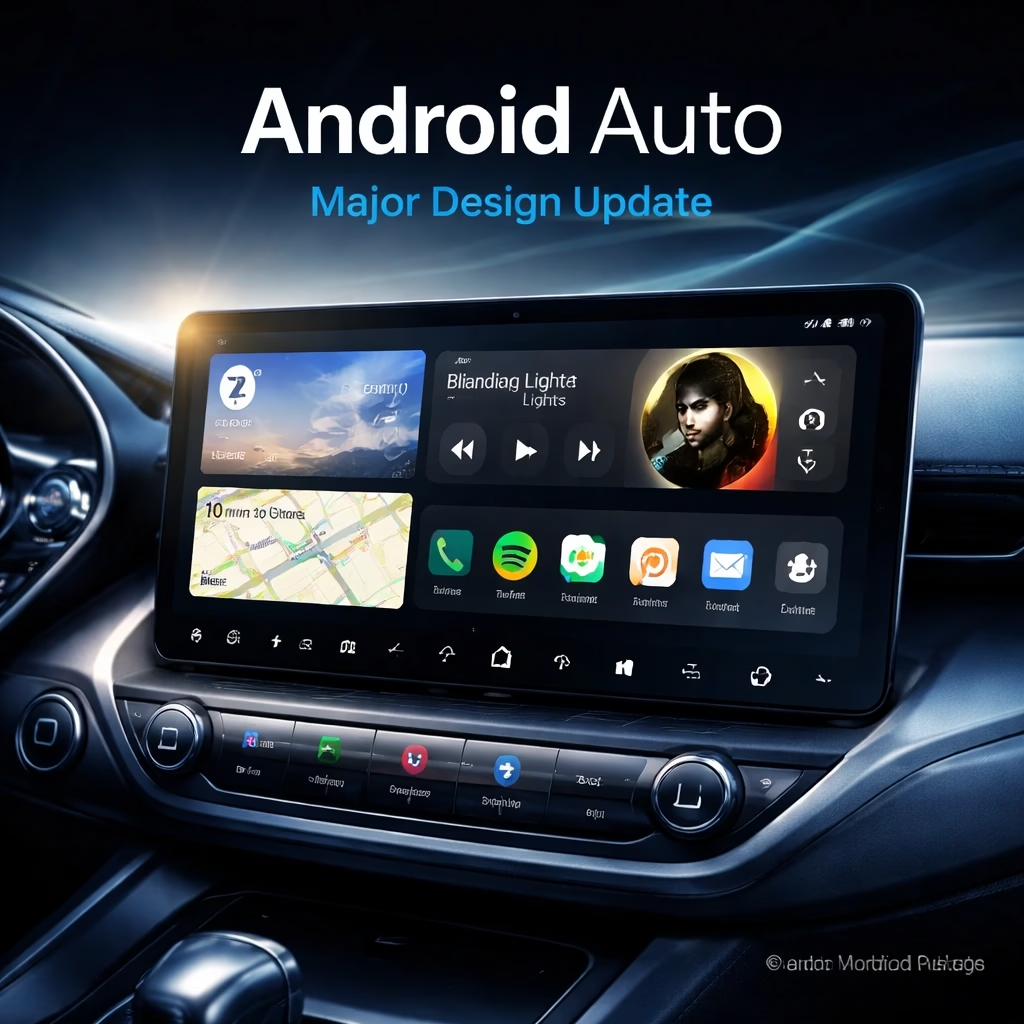
Google has indicated that the update will begin reaching users in select regions and on specific vehicle models over the coming weeks, with a broader global rollout expected to continue into early 2025. Drivers should ensure their Android smartphone is running the latest version of the Android Auto app and their vehicle's infotainment system software is up to date to receive the new features promptly. Compatibility will extend to most vehicles currently supporting Android Auto, although some older models might experience slight variations in feature availability due to hardware limitations.
Future Enhancements and Ecosystem Growth
This redesign is not merely a one-off update but a foundational step for future innovations. Google is expected to continue refining the widget ecosystem, potentially introducing new widget types for vehicle diagnostics, EV charging information, or even smart home controls. Further integration with Google Assistant is also anticipated, allowing for more complex voice commands and proactive suggestions based on real-time driving conditions and personal preferences. The company also aims to encourage a broader range of third-party applications to leverage the new platform capabilities, fostering a richer and more diverse in-car app ecosystem. Developers are encouraged to review the updated Android Auto developer guidelines to prepare their applications for the new interface and widget functionalities, ensuring a seamless transition and maximizing user engagement. This iterative approach underscores Google's commitment to evolving Android Auto as a leading platform for in-car connectivity.